
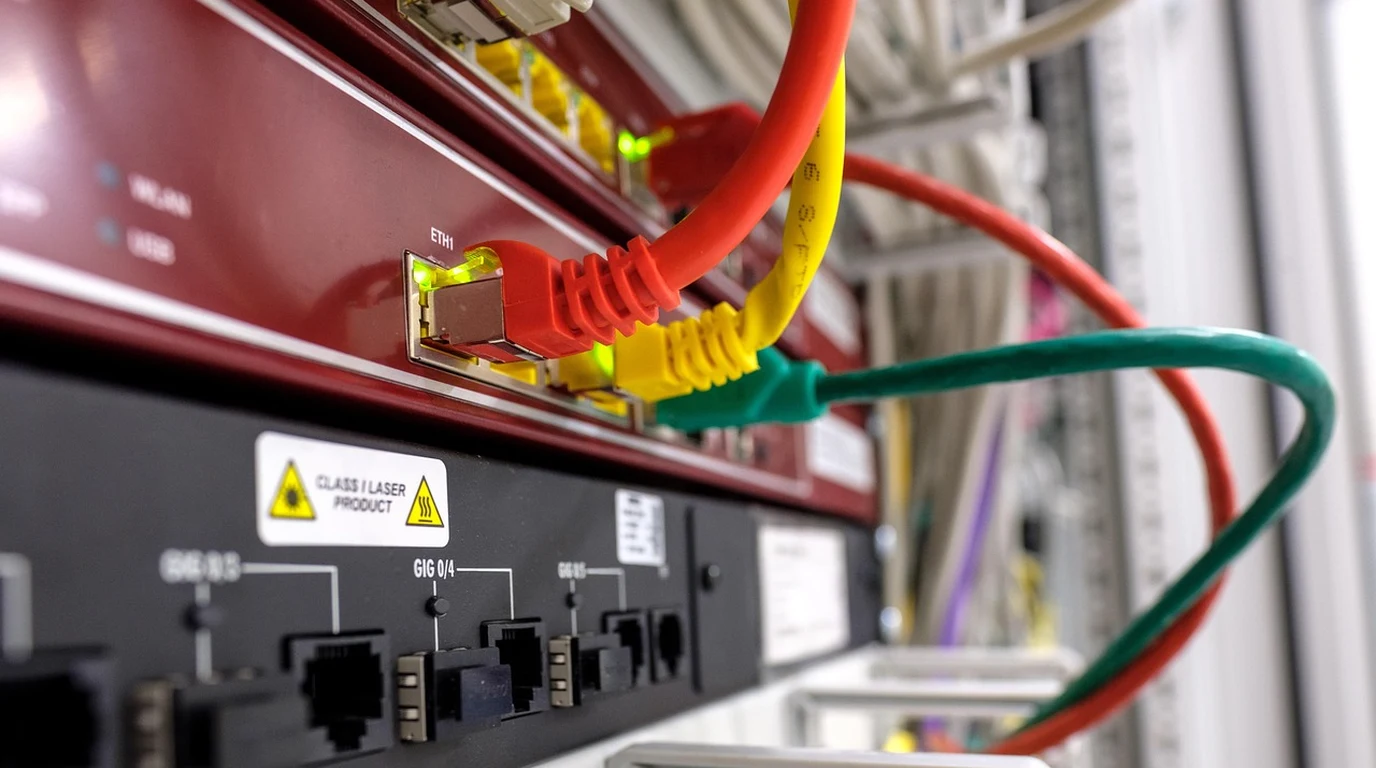
If you have ever attempted to deploy enterprise Intrusion Detection and Prevention (IDS/IPS) on an open-source firewall appliance like OPNsense or pfSense running on multi-gigabit WAN connections (such as 2.5GbE, 5GbE, or symmetrical 10Gbps fiber), you have likely run into the dreaded throughput brick wall. You enable Suricata, assign the Emerging Threats (ET Open) ruleset, and suddenly your blazing-fast 2.5Gbps connection collapses down to a sluggish 450 Mbps, while a single CPU core pegs at 100% utilization.
This severe network bottleneck is not an indictment of FreeBSD or your firewall hardware; it is the natural consequence of unoptimized pattern-matching algorithms and single-threaded packet inspection queues. Suricata inspects network traffic by scanning raw packet payloads against tens of thousands of regular expression rules. If your firewall is configured with standard Aho-Corasick pattern matching and single-queue netmap interfaces, the system chokes on modern encrypted, high-velocity network streams.
To achieve line-rate 10Gbps deep packet inspection without packet loss, firewall administrators must leverage Intel Hyperscan multi-core vector acceleration, Netmap multi-queue interface balancing, and memory-aligned stream reassembly. In this engineering guide, we walk through the exact architectural configuration required to transform OPNsense Suricata into an enterprise-grade, multi-gigabit threat hunting engine.
How Does Hyperscan Accelerate Suricata on OPNsense?
Intel Hyperscan is a high-performance regular expression matching library that compiles thousands of Suricata signatures into a unified finite automaton graph. By leveraging SIMD vector instructions (AVX2 and AVX-512), Hyperscan scans multiple bytes per CPU cycle across parallel cores, slashing pattern-matching CPU overhead by up to 70% compared to legacy Aho-Corasick engines.
To understand why Hyperscan represents such a massive leap in packet inspection throughput, one must analyze the mathematical mechanics of Deep Packet Inspection (DPI). Suricata’s signature rulesets (such as Emerging Threats Pro or Snort VRT) contain over 45,000 distinct detection rules. Many of these rules contain complex regular expressions with wildcards, case-insensitive strings, and byte-offset constraints designed to catch polymorphic malware payloads and command-and-control (C2) beaconing.
Under the legacy Aho-Corasick algorithm, the firewall builds a deterministic finite automaton (DFA) tree. While efficient for exact string matches, Aho-Corasick struggles with complex regular expressions, consuming massive RAM caches and forcing the CPU to evaluate packet bytes one at a time. When thousands of concurrent network connections flood the firewall, the L3 cache on your CPU thrashes, and packet processing queues back up instantly.
Intel Hyperscan fundamentally re-engineers this pipeline using modern CPU vector math. Hyperscan’s compiler analyzes the entire ruleset ahead of time, decomposing complex regular expressions into hybrid Non-deterministic and Deterministic Finite Automata (NFA/DFA). When packet payloads stream through memory, Hyperscan executes parallel pattern matching using Intel AVX2 or AVX-512 256-bit and 512-bit vector registers. The CPU evaluates 32 to 64 bytes of packet payload simultaneously in a single clock cycle. The result is a 3x to 5x increase in raw inspection throughput with near-zero dropped packets.
Suricata MPM Algorithms: Aho-Corasick vs Hyperscan Benchmark
The comparative matrix below illustrates the performance delta across pattern-matching algorithms under identical multi-gigabit traffic loads:
| Inspection Parameter | Legacy Aho-Corasick (AC) | Intel Hyperscan (HS) | Firewall Throughput Impact |
|---|---|---|---|
| CPU Vector Instruction Use | Scalar / Basic SSE2 | AVX2 / AVX-512 / ARM Neon | Hyperscan processes up to 64 bytes per clock cycle. |
| Memory Cache Footprint | Large DFA Trees (Exceeds L3) | Compressed Hybrid NFA/DFA | Fits entirely inside modern multi-core L3 cache pools. |
| 10GbE Throughput (45k Rules) | ~1.8 Gbps (Single Core Bottleneck) | 9.4 Gbps (Wire Speed Multi-Core) | 5.2x higher throughput on modern x86 appliances. |
| Rule Database Compile Time | 15 – 25 Seconds | 45 – 80 Seconds | Slightly longer initial startup; massive runtime speed. |
FreeBSD Netmap and Multi-Queue NIC Optimization
Enabling Hyperscan inside OPNsense is only half the battle. In a FreeBSD-based firewall, Suricata captures packets in inline IPS mode via the Netmap kernel subsystem. Netmap bypasses the traditional operating system network stack, mapping network interface card (NIC) ring buffers directly into Suricata’s userspace memory.
However, if your network card is an entry-level Realtek NIC or an older single-queue controller, Netmap forces all packet inspection onto a single CPU thread. To achieve multi-gigabit throughput, your firewall must utilize enterprise Intel NICs (such as the Intel i225-V/i226-V for 2.5GbE or the Intel X540/X550/X710 for 10GbE) that support multiple Receive Side Scaling (RSS) hardware queues.
You configure Suricata’s execution mode to “Workers” rather than “Autofp”. In Workers mode, each dedicated CPU core runs a completely independent Suricata pipeline—handling packet capture from its own Netmap ring buffer, running stream reassembly, executing Hyperscan pattern matching, and emitting verdict decisions in complete parallel with zero cross-core locking.
Hyperscan vs Chimera: Hybrid Regular Expression Acceleration
For high-throughput enterprise security gateways, Intel expanded the Hyperscan architecture by introducing Chimera, a hybrid regular expression matching engine. While standard Hyperscan is blazing fast, it does not support full PCRE (Perl Compatible Regular Expressions) feature sets—such as back-references, recursion, and complex look-arounds.
Chimera bridges this gap by pairing a pure Hyperscan NFA/DFA pre-filter with a secondary PCRE matching engine. Hyperscan rapidly evaluates the packet payload at wire speed; only if a candidate signature prefix matches does Chimera dispatch the specific packet slice to the PCRE engine for capture-group extraction. In OPNsense, enabling Hyperscan-backed pattern matching ensures that complex Emerging Threats rules execute without dropping back into unaccelerated scalar evaluation.
FreeBSD Kernel Tunables for Multi-Queue RSS Interfaces
To maximize Suricata’s multi-threaded Workers runmode on FreeBSD 14, network administrators must configure hardware Receive Side Scaling (RSS). By default, FreeBSD may assign incoming packet interrupts from a 10GbE NIC to CPU Core 0, leaving adjacent cores starved of data.
Add the following kernel tunables to /boot/loader.conf.local on your OPNsense appliance:
net.inet.rss.enabled="1"
net.inet.rss.bits="3"
hw.ix.enable_rss="1"
hw.igc.enable_rss="1"
These tunables instruct the network interface card’s hardware hash engine to distribute incoming TCP/UDP connections across eight discrete hardware receive queues using Toeplitz hashing. Each CPU core pulls packets directly from its own queue, completely eliminating cross-core lock contention.
The 4:00 PM Actionable OPNsense Suricata Tuning Checklist
To configure line-rate Suricata IDS/IPS on your OPNsense appliance today, follow this four-step tuning checklist:
- Select Hyperscan Pattern Matcher: In the OPNsense WebGUI, navigate to Services > Intrusion Detection > Administration > Advanced Settings. Set Pattern Matcher (MPM) to
Hyperscan. Set Single Pattern Matcher (SPM) toHyperscan. - Configure Threading Runmode to “Workers”: Under the same Advanced Settings tab, locate Runmode and change it from default
AutofptoWorkers. This binds Suricata threads directly to physical CPU cores, eliminating inter-thread queue latency. - Tune Stream Reassembly & Memory Limits: Modern encrypted web traffic is dominated by large TCP window sizes. Increase Stream Memory Cap to
536870912(512MB) and Reassembly Memory Cap to1073741824(1GB). This prevents Suricata from dropping uninspected sessions when downloading large files over gigabit links. - Verify Hyperscan Initialization in System Logs: Navigate to Services > Intrusion Detection > Log File and filter for
hyperscan. Confirm the log displays:[100234] - (util-mpm-hs.c:1225)
(MpmHSInit) -- Using Hyperscan version 5.4.x with AVX2
Hardened secrets infrastructure relies on high-throughput perimeter firewalls. Master our multi-core tuning guide on Infisical vs Doppler: Secrets Management Architecture.