
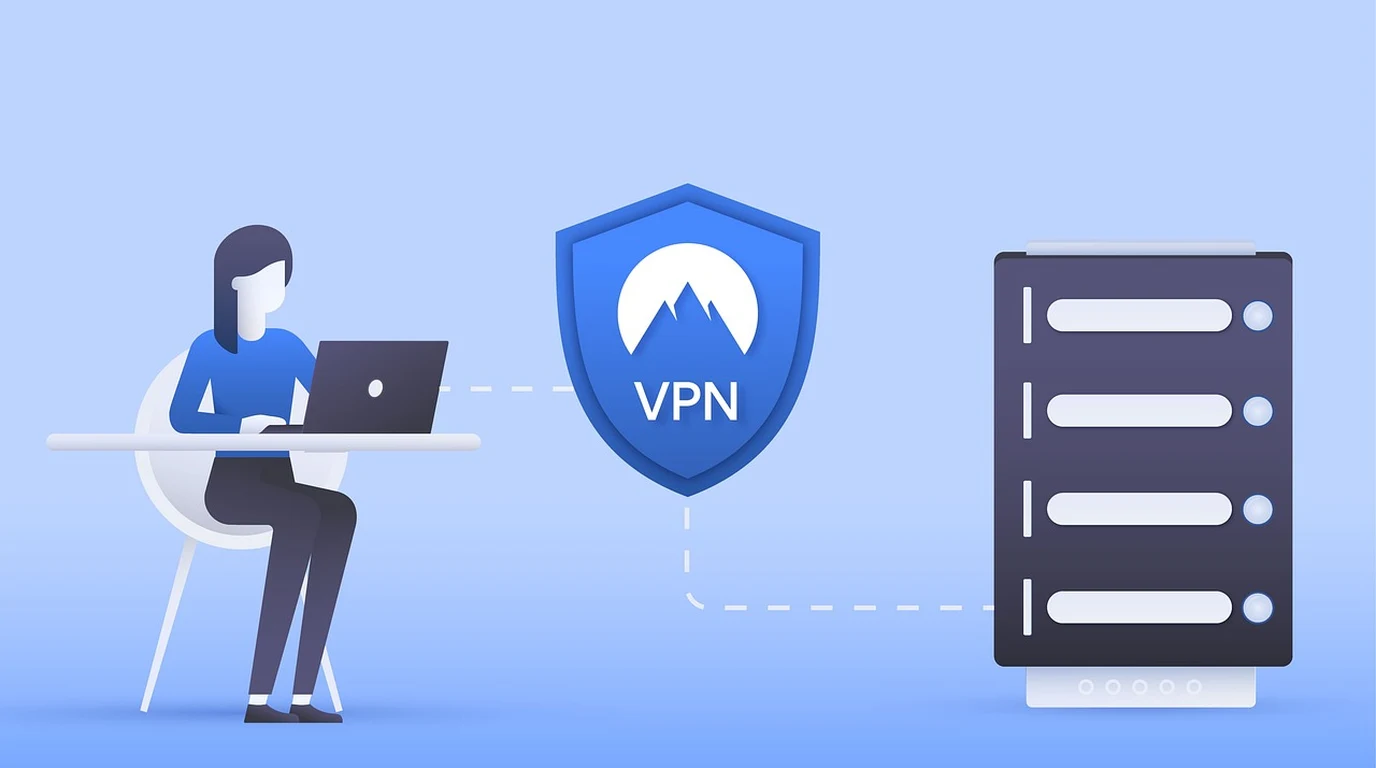
You’ve likely experienced that “magic” moment with Tailscale. You install a small agent on two machines, sign in, and suddenly they’re talking to each other across the country as if they were plugged into the same switch. No port forwarding, no brittle firewall rules, and no tearing your hair out over NAT traversal. It feels like the future of networking because, frankly, it is. But then the professional anxiety kicks in. You look at your dashboard and realize that while your data is encrypted via WireGuard, the “brain” of your entire network—the coordination server that manages your keys, your device list, and your access policies—lives on someone else’s hardware.
For many of us in the security and homelab space, that proprietary black box is a nagging splinter. You start asking the hard questions: What happens if their pricing model shifts overnight? What if a compliance audit demands 100% data sovereignty? Or more practically, what happens if you want to integrate with a self-hosted identity provider like Authentik or Keycloak without paying for an enterprise-tier SaaS seat? This is where the fork in the road appears. You can stay in the polished, managed ecosystem of Tailscale, or you can take the “blue pill” and self-host the control plane using Headscale. It’s a choice between convenience and absolute autonomy, and getting it wrong can lead to a week of wasted configuration and a network that’s less stable than what you started with.
## Can You Actually Run Your Own DERP Relays for Zero Latency?
One of the most misunderstood aspects of the Tailscale ecosystem is the DERP (Designated Encrypted Relay for Packets) server. When two devices are behind “difficult” NATs (like a corporate firewall or a double-NATed home setup) and cannot establish a direct peer-to-peer connection, Tailscale falls back to a relay.
If you use official Tailscale, you use their global fleet of DERP servers. This is convenient, but if you are in a remote region or have massive data transfer needs, you might find these relays throttled or high-latency. With Headscale, you can (and should) deploy your own DERP nodes. By placing a DERP server on a cheap VPS physically close to your users, you can maintain near-wire speed even when a direct P2P connection fails. This is a level of performance tuning that is simply unavailable on the standard Tailscale free/pro tiers.
## How Do You Handle Identity Without the Tailscale Login?
This is where the “mentor” advice becomes critical: **Do not use Headscale with manual pre-auth keys if you have more than three users.** It is a management nightmare.
The professional way to deploy Headscale is via OIDC integration. If you are running a security-conscious environment, you likely already have a source of truth for your users. Headscale acts as the “Relying Party.” When a user tries to join the network, Headscale redirects them to your Authentik or Keycloak instance. Once they authenticate (ideally with MFA), they are passed back to Headscale and authorized. This allows you to offload the most sensitive part of the stack—password management and second-factor auth—to a dedicated identity tool, while Headscale focuses purely on the WireGuard orchestration.
## The Actionable Playbook: Deploying Headscale by 4:00 PM
If you’ve decided that the sovereignty of Headscale outweighs the convenience of Tailscale, follow this high-density implementation path. This assumes you have a Linux VPS with a public IP and a domain name.
1. **Infrastructure Hardening:** Deploy Headscale on a dedicated VM or container. Ensure port `8080` (or your chosen API port) is accessible, but ideally behind a reverse proxy like Caddy or Nginx to handle SSL termination. Headscale *requires* HTTPS for the OIDC flow to work correctly.
2. **Configuration Initialization:** Generate your default `config.yaml`. Pay close attention to the `server_url`. This must be the public-facing URL your clients will hit. Set `dns_config` to use your internal nameservers if you want “MagicDNS” style functionality (e.g., `server.internal.net`).
3. **OIDC Integration (The Critical Step):** In your `config.yaml`, enable the OIDC section. Point it to your Authentik/Keycloak discovery URL.
* `issuer`: `https://auth.yourdomain.com/application/o/headscale/`
* `client_id`: Your generated ID.
* `client_secret`: Your generated secret.
4. **ACL Policy Definition:** Unlike Tailscale’s web-based editor, Headscale reads a policy file (usually `acl.yaml`). Define your “Users” (Namespaces) and “Groups” here. Use a “Default Deny” posture, only allowing specific tags to talk to each other (e.g., `tag:server` can be reached by `group:admin`).
5. **Client Onboarding:** On your devices, use the command:
`tailscale up –login-server https://headscale.yourdomain.com`
This will provide a URL. Open it, authenticate via your OIDC provider, and the machine is now part of your private mesh.
6. **DERP Deployment (Optional but Recommended):** If you notice “Relay” status in `tailscale status`, deploy a small `derper` container on a VPS with a different geographic location to optimize your mesh’s pathfinding.
## Why Compliance Officers Prefer the Headscale Path
In an enterprise or high-security environment, “Who can see my network map?” is a billion-dollar question. When you use Tailscale, their control plane knows every internal IP, every device hostname, and every user’s login frequency. For many, this is an acceptable trade-off for the security of the WireGuard tunnel itself.
However, if you are operating under strict regulatory frameworks (HIPAA, SOC2, or government-level data sovereignty), having that metadata reside on a third-party server is a non-starter. Headscale allows you to check the box for “Internal Control Plane.” You own the logs, you own the database (SQLite or Postgres), and you own the discovery mechanism. If Tailscale Inc. were to disappear tomorrow, your network would keep humming along without a hiccup.
### Frequently Asked Questions
**Can I use the Tailscale mobile app with Headscale?**
Yes. On iOS and Android, you can change the “Coordination Server” or “Discovery URL” by tapping the three dots in the app (or using the hidden menu by tapping the logo multiple times on some versions) and entering your Headscale URL.
**Does Headscale support Tailscale’s “Exit Nodes”?**
Absolutely. You can configure any node in your Headscale mesh to act as an exit node, allowing you to route all internet traffic through a specific trusted server, which is perfect for secure browsing on public Wi-Fi.
**What happens if my Headscale server goes down?**
Existing connections between peers will continue to function for a period (until keys expire), but no new connections can be established, and changes to the network topology won’t propagate. This is why high availability for your Headscale instance (and its database) is recommended for production environments.
Direct Practical Verdict:
## Why Does Your VPN Need a Cloud Brain Anyway?
To understand the Headscale vs. Tailscale debate, we have to demystify the “Control Plane” versus the “Data Plane.” In a traditional VPN, these are often the same thing: your traffic goes to a central server, and that server also handles your authentication. Tailscale changed the game by separating them. The **Data Plane** is pure WireGuard. When your laptop talks to your NAS, the encrypted packets move directly between them (peer-to-peer). Tailscale never sees your actual data.
However, the **Control Plane** is the conductor of the orchestra. It tells your laptop what the NAS’s public IP is, handles the complex NAT traversal (STUN/ICE), and distributes the public keys so the devices can trust each other. In the official Tailscale offering, this control plane is a proprietary service hosted by Tailscale Inc. Headscale is an open-source, self-hosted implementation of this exact control plane protocol. By running Headscale, you are replacing Tailscale’s servers with your own. You still use the official Tailscale client applications on your phone and computer, but you point them at your own URL. You gain the “magic” of the mesh without the third-party dependency.
## Is Headscale Really Just Tailscale Without the Bill?
The short answer is yes, but the long answer involves a trade-off in “polish.” When you use the official Tailscale SaaS, you get a beautiful web UI, one-click sharing (Node Sharing), and a seamless mobile experience. Headscale, by default, is a command-line beast. While there are excellent community-driven web UIs (like `headscale-ui`), they are separate projects you have to maintain.
The real “costly trap” most practitioners fall into is underestimating the identity layer. Tailscale makes it trivial to log in with Google, Microsoft, or GitHub. With Headscale, you are the identity provider. If you want a smooth login flow, you’ll likely be setting up an OIDC provider like Authentik or Keycloak. If you’re already running these, Headscale is a dream. If you aren’t, you’ve just inherited a significant architectural burden.
Choose Tailscale if you prioritize zero-maintenance and rapid scaling for teams. Choose Headscale if you require absolute data sovereignty, custom OIDC integration (Authentik/Keycloak), or need to bypass Tailscale’s node limits without enterprise costs. Headscale provides the same peer-to-peer WireGuard performance while keeping the coordination metadata entirely on your private infrastructure.
| Feature / Metric | Tailscale (Official SaaS) | Headscale (Self-Hosted) | The “So What?” Factor |
|---|---|---|---|
| Control Plane | Proprietary / Managed | Open Source (Go) | Headscale ensures 100% data sovereignty. |
| Identity Integration | SaaS (Google, O365, GitHub) | OIDC (Authentik, Keycloak, etc.) | Headscale is superior for private IDP setups. |
| Relay (DERP) Servers | Global Shared Network | Private / Custom Deployment | Custom DERPs eliminate third-party latency. |
| ACL Management | HuJSON (Web Editor) | YAML / HuJSON (File-based) | Headscale fits better in GitOps workflows. |
| Node Limits | Tiered (Free vs. Paid) | Unlimited (Hardware Bound) | Headscale is the “infinite” homelab choice. |
Self-Hosted Control Planes & WireGuard Orchestration
Managing zero-trust encrypted meshes requires balancing user-friendly coordination with sovereign infrastructure control. Review our setup guide on OPNsense WireGuard vs Tailscale: Performance & Subnets.